




Booking Taxis & Motorbikes in Nepal With Ride-Hailing Apps
Step-by-step guide to booking taxis and motorbike taxis in Nepal using ride-hailing apps: pickup tips, fare models, cash payment, helmets, and what to do when things go wrong.

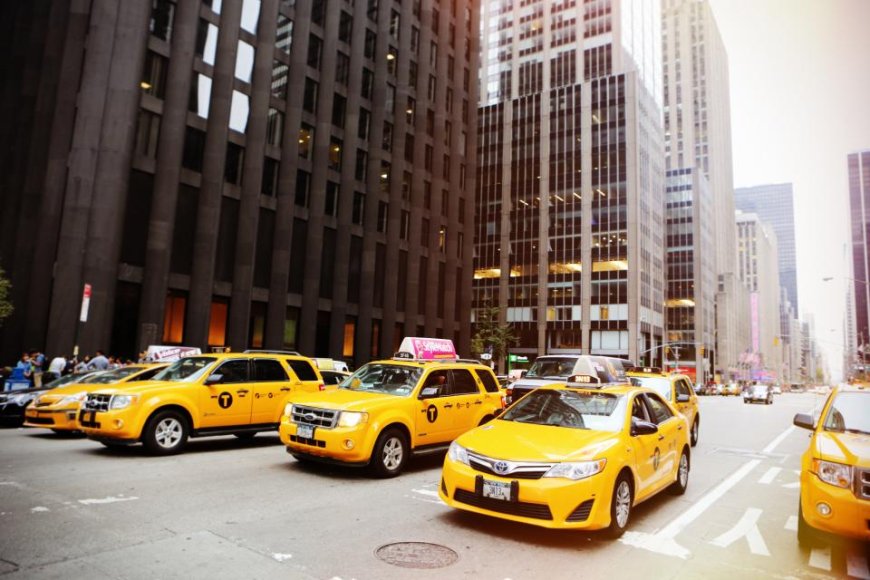
Open an app, drop a pin, pick a vehicle, confirm, pay. The tapping is easy. What trips people up in Kathmandu and the surrounding valley is everything around it: a pickup point the driver cannot reach, a fare model that works differently than expected, or a payment method that doesn't match the cash in your pocket. Most ride-hailing activity in Nepal is concentrated in the Kathmandu Valley, and the vast majority of trips are short — often under 5 kilometres.
This walkthrough covers one booking from start to finish. No operator is named because availability varies; check the app store for what is currently operating in your area.
What you need before you book
Data at pickup, not just at booking. Drivers call or message when they are close, so a working local SIM with mobile data matters more at the meeting point than when you ordered. Sign-up usually verifies by SMS, so install the app with a number that can receive texts. Some apps may ask for a Nepali number; the sign-up screen will tell you before you go further.
Also worth having ready: small cash notes as backup — cash is still the dominant payment method for ride-hailing in Nepal — your wallet or card details if you prefer digital payment, a reasonably charged phone, and a pickup landmark you can say out loud in one sentence. A shop name, a gate, a chowk. "Near the roundabout" is not a landmark.
Booking a ride, step by step
- Set your pickup. Type the place name or drag the pin. Zoom right in and check which side of the road the pin landed on. In dense areas like Thamel or New Road, a pin 100 metres off can cost you ten minutes.
- Set your drop. Type the destination, then glance at the route the app draws. Some apps route around blocked or closed roads; some do not.
- Choose the ride type. Taxi, motorbike (bike taxi), and sometimes carpool or delivery options appear. The type you pick changes both the vehicle and how the fare is calculated. Motorbike taxis are common for solo trips through valley traffic.
- Read the price before you confirm. One screen may show a fare you simply accept or decline. Another may ask you to offer a price and wait for a driver to accept, ignore, or counter. Either way there is a number on screen. Look at it before you tap.
- Confirm and wait. Once matched, you will see the driver's name, the vehicle's plate number, and a call or chat button.
- Match the plate. When the vehicle arrives, check the number against the app before you get in or on. If it does not match, do not board.
- Meet at the pin. If the driver rings, use the landmark you chose earlier. Walking to a spot the driver can actually stop at is faster than arguing about it.
Fixed fare versus offer-your-own-price
Two fare models cover almost everything you will encounter. In the fixed-fare model the app calculates the price and you accept or decline it. The number you see is normally what you pay, unless the trip itself changes en route. In the offer-your-own-price model, you name a figure and drivers accept, decline, or counter. Offering well below the suggested range usually means a longer wait, and that is most noticeable during monsoon downpours or evening peak hours (roughly 5–7 pm). Which model a given app uses in Nepal is something to read off its fare screen, not to assume.
Paying the fare
When the trip ends, the app shows the final amount, and that screen is what to compare against any cash you hand over. Payment options — cash, in-app wallet, card, or mobile wallet transfer — are set by the app and listed on the payment screen. If paying cash matters to you, check that screen before you confirm the booking, not after. Take the in-app receipt or trip summary rather than waving off a paper slip. It carries the trip ID you would need if a charge has to be queried later.
Safety and helmets
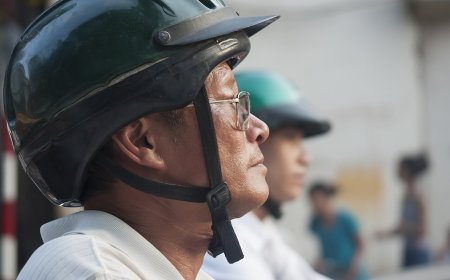
Helmet use is a legal requirement for both rider and pillion passenger in Nepal, and it is enforced. If you are taking a motorbike taxi, wear a helmet. If the driver does not have a spare, cancel the ride. Share your live trip with someone if the app allows it, send them the plate number, and use masked in-app calling if it is offered instead of handing out your personal number.
Rating and receipts
The rating prompt shows up right after payment. Rate honestly and briefly; it is the main signal other riders get. Keep the trip summary for your records.
If something goes wrong
- Driver can't find you: send a message with the landmark and wait a couple of minutes. Cancelling early is often the wrong move, and some bookings carry a cancellation fee, so read the terms the app shows you.
- Fare looks wrong: open the trip summary and raise it through in-app support, ideally before you have paid.
- No vehicles showing: nudge the pickup pin a short distance, try a different ride type, or wait out the peak.
- Payment fails: screenshot the payment screen before trying again, and do not pay twice in two different ways.
Process checked 7 October 2026. Operator availability, fare models, and payment methods vary by app; verify on the screen in front of you.
What's Your Reaction?